
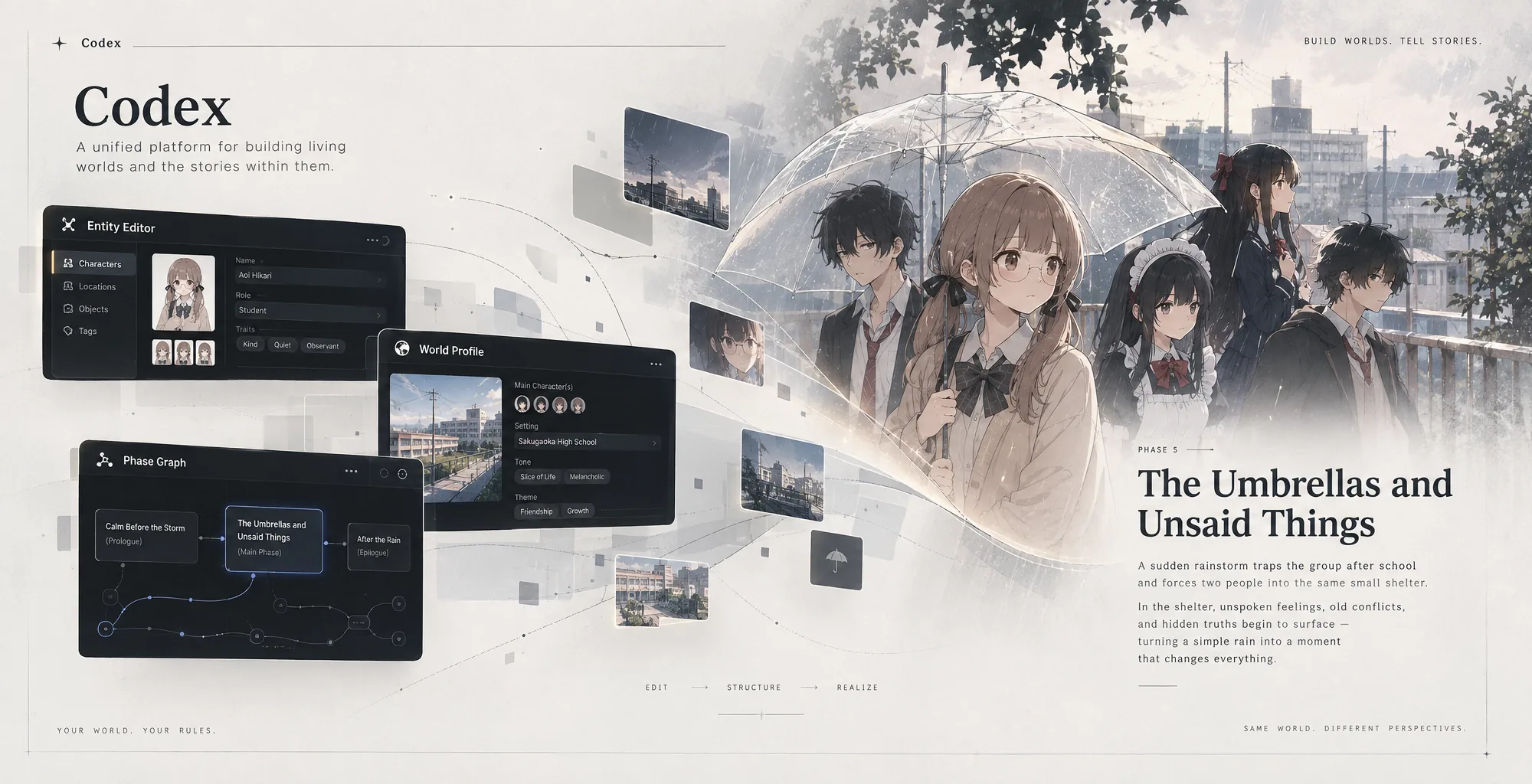
विश्व संपादक
World Editor Codex बनाने के लिए मुख्य workspace है, चाहे आप किसी idea से शुरू कर रहे हों या किसी existing world को बेहतर बना रहे हों।
Editor की हर चीज़ उसी world model की ओर संकेत करती है: canon, cast, relationships, geography, gameplay, images, story phases और वह public page जिसे readers देखेंगे।
बायाँ sidebar
Sidebar world को व्यवस्थित करता है:
- World Profile: premise, gameplay definitions और map।
- Presentation: public landing-page content और media।
- Entities: characters, places, factions, items और world का अन्य data।
- Phases: story-state graph और progression।
- Write: world से जुड़ा story-writing workspace।
Beta: Write का अभी परीक्षण चल रहा है। यह AI assistance से short stories या लंबी, phase-based stories बना सकता है। Outlines और chapters की सावधानी से समीक्षा करें, क्योंकि controls और generated results बदल सकते हैं।
Owned worlds के बीच जाने के लिए sidebar के ऊपर world selector का उपयोग करें।
मध्य workspace
चुने गए section के अनुसार center बदलता है। इसमें forms, entity details, images, relations, maps, phase graphs और presentation editing होती है।
Pencil controls editable values खोलते हैं। काम पूरा होने पर field edit confirm करें, फिर header से पूरे Codex को save करें।
दायाँ AI panel
World Helper चुनी हुई world या entity को context के रूप में ले सकता है। यह explain, draft, review और structured changes propose करता है। अधिक editing space चाहिए तो panel का आकार बदलें या उसे छिपा दें।
AI Codex को चुपचाप overwrite नहीं करता। Proposals inspect की जा सकती हैं।
Save और review
Header unsaved work दिखाता है। लंबित differences inspect करने के लिए Review Changes का उपयोग करें, फिर मौजूदा Codex लिखने के लिए Save करें।
Editor छोड़ने या publish operation शुरू करने से पहले save करें।
प्रकाशन
Publish Codex validate करता है, pending changes save करता है और versioned snapshot flow खोलता है। आवश्यक content के लिए प्रस्तुति और प्रकाशन देखें।
अंतर्निहित tutorial
Editor tutorial, World Profile, Characters, Places and Map, Relationships, Gameplay, World Phases और Publish के लिए guided create और explore paths देता है। जब आपको controls से सीधे जुड़ी guidance चाहिए, तब इसका उपयोग करें।